


Daylight Saving Time 2026: Automatically switch radio-controlled and pendulum clocks
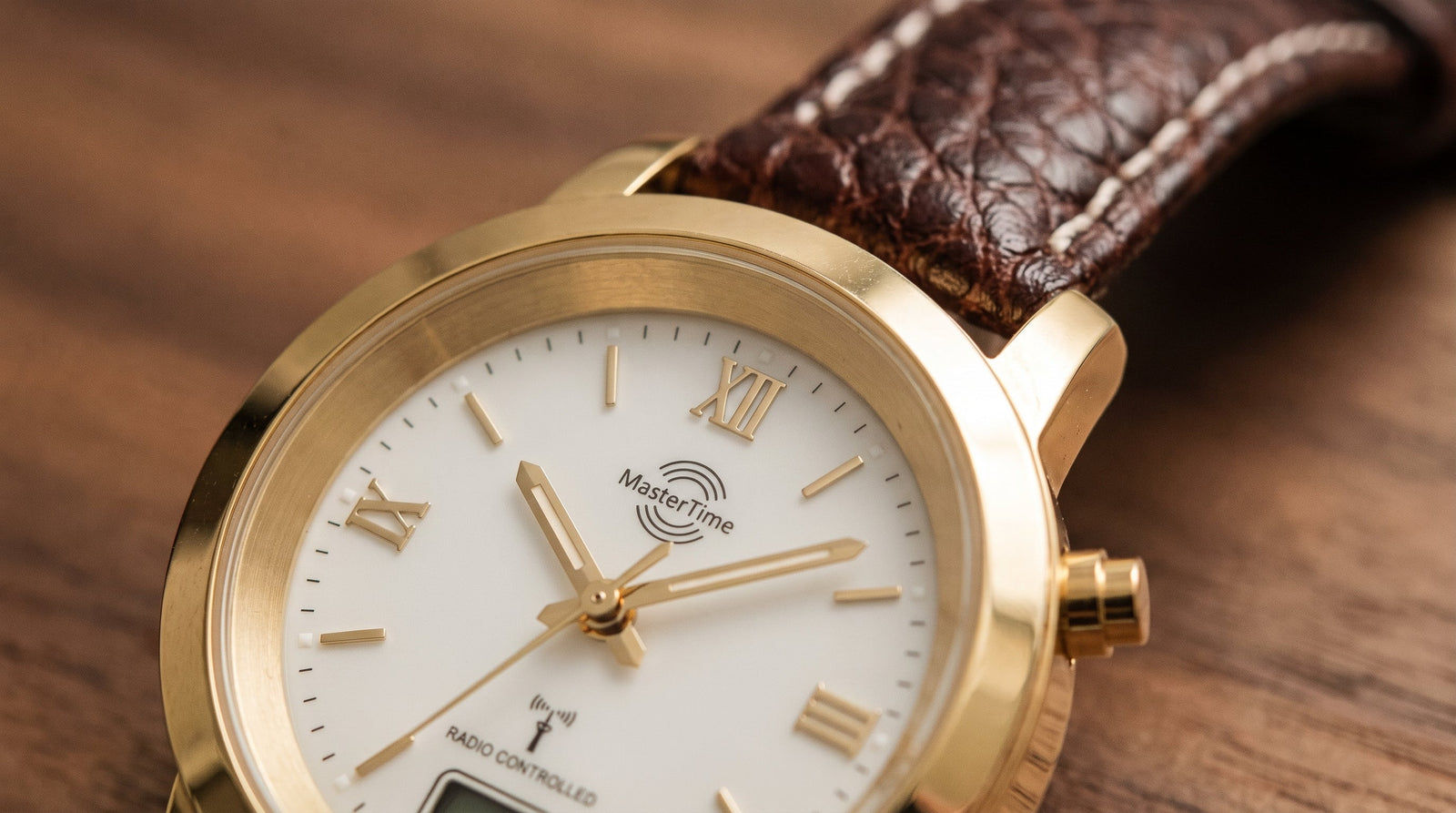

Twice a year, the same question arises: Which clocks in the household adjust themselves, which ones do you have to handle, and how do you do it without damaging the movement? For pendulum clocks, the answer is particularly tricky because a wrong move can throw the pendulum out of sync or put strain on the escapement. For radio-controlled clocks, the answer is usually "do nothing," but not always.
This article explains exactly what happens on March 29, 2026, how the DCF77 signal controls the time change for radio-controlled clocks, how to safely set a pendulum clock to winter or summer time, and what to do if the radio-controlled clock still shows the wrong time after the changeover date. At the end, you will find an overview for quartz and automatic watches that do not have a radio function.
Time Change 2026: Date, Direction, and What Changes
Daylight saving time begins in Germany and most European countries on the last Sunday in March. In 2026, this is March 29, 2026: At 2:00 a.m. local time, clocks are set forward to 3:00 a.m. The night is one hour shorter. uhrzeit.org lists the exact changeover times for all European time zones.
The switch back to winter time (standard time) takes place on the last Sunday in October, which is October 25, 2026. Then, clocks are set back from 3:00 a.m. to 2:00 a.m., and the night becomes one hour longer. For most clocks, the rule is: setting forward is uncritical, while setting backward can cause problems with mechanical movements.
| Date 2026 | Direction | Time (Local Time) | Result |
|---|---|---|---|
| March 29, 2026 (Sunday) | Forward (Winter Time → Summer Time) | 2:00 a.m. → 3:00 a.m. | Night one hour shorter |
| October 25, 2026 (Sunday) | Backward (Summer Time → Winter Time) | 3:00 a.m. → 2:00 a.m. | Night one hour longer |
How radio-controlled clocks use DCF77 reception and when they switch
The DCF77 signal is a long-wave signal at 77.5 kHz, broadcast by the Physikalisch-Technische Bundesanstalt (PTB) via a transmitter near Mainflingen, near Frankfurt. Its amplitude modulation encodes, among other things, hours, minutes, date, day of the week, and an advance warning marker for the upcoming time change. A radio-controlled clock receives this signal and sets its internal hands or display accordingly.
The switchover time is fixed in the signal: The clock adjusts exactly when the signal announces the transition, i.e., in the night from March 28 to March 29 at 2:00 a.m. In practice, most radio-controlled clocks search for the signal in the early morning hours, typically between 1:00 and 3:00 a.m., because reception conditions are better at night. If the clock only establishes successful reception after the actual changeover time, it will still show the correct summer time because the time code already contains it.


Important to understand: Between reception windows, the radio-controlled clock continues to run like an ordinary quartz clock. It only corrects itself when it has received a decodable signal. Without reception, it drifts with the normal quartz inaccuracy of a few seconds per month.
Setting pendulum clocks manually: Step-by-step without damage
Many pendulum clocks on the market today have a radio-controlled movement that handles the time change automatically. However, if you own a pendulum clock with a purely mechanical or quartz movement without radio reception, you have to do it yourself. There are a few rules to follow to protect the movement.
Setting forward: the safe way
Mechanical pendulum movements can generally be set forward, i.e., in the direction of the hands. For summer time, this means: turn the minute hand forward one hour, moving slowly enough so that the striking mechanism can complete its cycle at every quarter or full hour before you continue turning. If you skip the striking mechanism, you risk the hammer and strike spring blocking each other.
Setting backward: better to go forward two hours
Switching back to winter time is the trickier task. Mechanical pendulum movements should never be set backward. The correct method: turn the minute hand forward eleven hours, i.e., almost once around the entire dial, until the clock shows one hour less than before. This takes longer, but it protects the escapement, gear train, and striking mechanism.
Stopping and restarting the pendulum
You do not necessarily have to stop the pendulum during the setting process. However, it makes sense to stop the clock briefly if you have to move the case, for example, to open the pendulum door. After closing it, give the pendulum a steady, medium-sized push. The even "tick-tock" rhythm shows that the clock is swinging in time again.


If you own a radio-controlled pendulum wall clock, you don't have to worry about any of this. The internal receiver handles the changeover automatically at night. You can find detailed step-by-step instructions for setting pendulum clocks and large radio-controlled clocks in the article Setting pendulum clocks and large radio-controlled clocks: Step-by-step.
If the radio-controlled clock does not switch: common causes and remedies
There are situations where a radio-controlled clock still shows the old time after the changeover date. This almost always has one of four causes.
| Cause | Symptom | Remedy |
|---|---|---|
| Poor reception location | Clock runs, does not correct itself | Move clock closer to a window, away from metal frames or concrete walls |
| Interference signal nearby | Reception starts, then cuts off | Increase distance from Wi-Fi routers, switching power supplies, and LED transformers |
| Weak battery | Clock runs slowly or stops | Change battery; the clock will then wait for the next reception window |
| Manual setting overwritten | Clock shows wrong time after manual setting | Trigger radio synchronization via button (depending on model: hold down "SET" button) |
If you operate a radio-controlled wall clock in the office and have regular reception problems, you can find further tips in the article Radio-controlled wall clocks for the office: Accurate to the second without manual setting.
A manual synchronization attempt can be triggered on most radio-controlled clocks by pressing a button for a long time. Whether this succeeds depends on whether a decodable signal reaches the location at all. If reception is permanently poor, the only solution is a different location or a clock with a stronger receiver.


Quartz and automatic watches: set back manually once
Wristwatches without radio reception must be set forward one hour once for summer time and back one hour for winter time. For quartz watches, this is uncritical: pull out the crown, turn the hands to the correct position, push the crown back in. You should never leave the crown in a position that puts strain on the sealing system.
Automatic watches: setting back with caution
For mechanical automatic watches, the rule is: never turn backward through the midnight zone, i.e., the area between approximately 9:00 p.m. and 3:00 a.m., because this can put strain on the date change wheel. For winter time, when setting back by one hour, there are two safe methods:
- Turn the hands forward eleven hours until the clock shows one hour earlier than before.
- Turn the hands back one hour in the region between 3:00 a.m. and 9:00 p.m., provided no date change is affected.
Whether an automatic movement has a quick-set date and how sensitive it is to turning backward depends on the caliber. Common movements like the Miyota 8215 or the Seiko NH35 tolerate slight backward adjustment outside the switching zone. When in doubt, the forward method is always the safer choice.
| Clock Type | Time change automatic? | Recommended method for manual adjustment |
|---|---|---|
| Radio-controlled clock (DCF77) | Yes, in the night of the changeover date | Do nothing; if error: check location, change battery |
| Radio-controlled pendulum clock | Yes, automatically | Do nothing; if error: check reception |
| Mechanical pendulum clock | No | Turn forward through the full striking cycle |
| Quartz clock (without radio) | No | Pull crown, set hands forward or backward |
| Automatic watch | No | Always set forward; avoid switching zone |
| Solar watch with radio (e.g., Multiband) | Yes | Do nothing; check charge level if no reception occurs |


